
 Log in
How To Access My Content (On GrowthGoons)
Due to my previous time on Patreon, I host my content externally.
I host image and video content spanning back to December 14, 2023. I will share teasers and updates for when new content drops directly here on Subscribestar, but you must access my content by authenticating with your Subscribestar account on this website.
The website is https://growthgoons.com
1) Step 1 - Authenticate with Subscribestar
- Click The Login Button with the Subscribestar Logo
- OR
- Click on the Subscribestar link where it says "please login with"
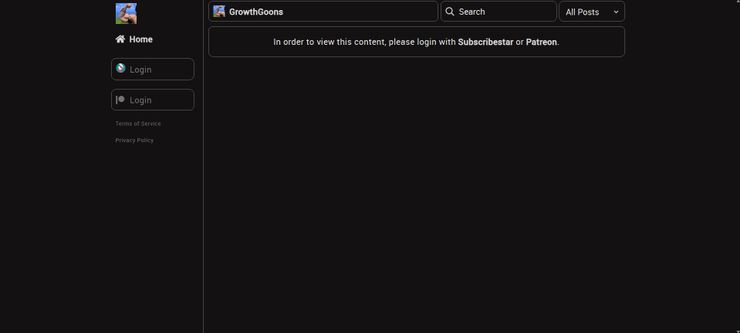
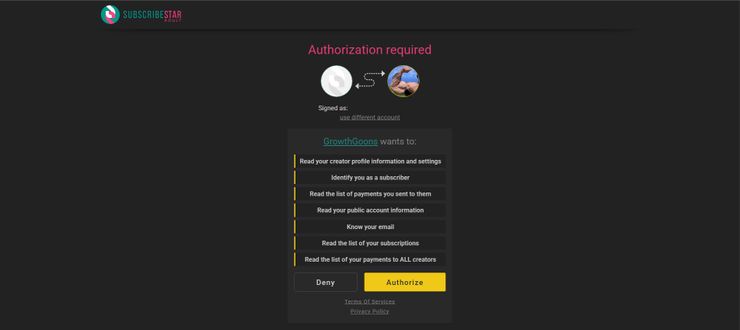
2) Step 2 - Authorize GrowthGoons
- Click "Authorize" on the new page that opens
3) Step 3 - Follow My Creator Account https://growthgoons.com/creator/theboylusts
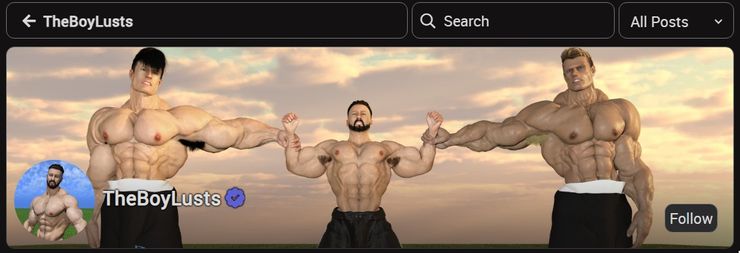
4) Step 4 - Enjoy my content!
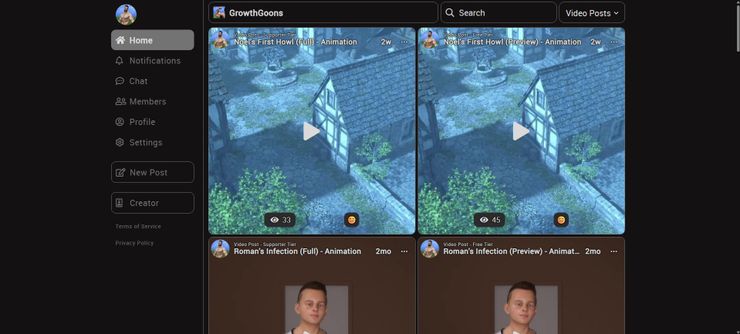
- Scroll down the home page to load more posts
- Try Searching for keywords such as "Alek" or "ripping" or "burp"
- Use the "All Posts" dropdown to switch between All Posts, Video Posts, Photo Posts, Text Posts, or Link Posts
- Check your Notifications for when I reply/react to your comments
- Start Chatting within Chats
- See other Members that are currently active on the Members page
- Check out your profile to see your comment, reaction, and view history for posts
- Settings has the option to disable email updates, change if you are anonymous, and delete your account from the website
- Any questions, just ask me!